


Two years ago, I published a short post about the analog and digital systems I use to keep my PhD work organized. With so many diverse responsibilities as a graduate students, it’s easy for tasks to fall through the cracks. It’s time to revisit what systems worked, what I dropped, and new tools I picked up to help manage my busy schedule.
What’s still the same?
Notion
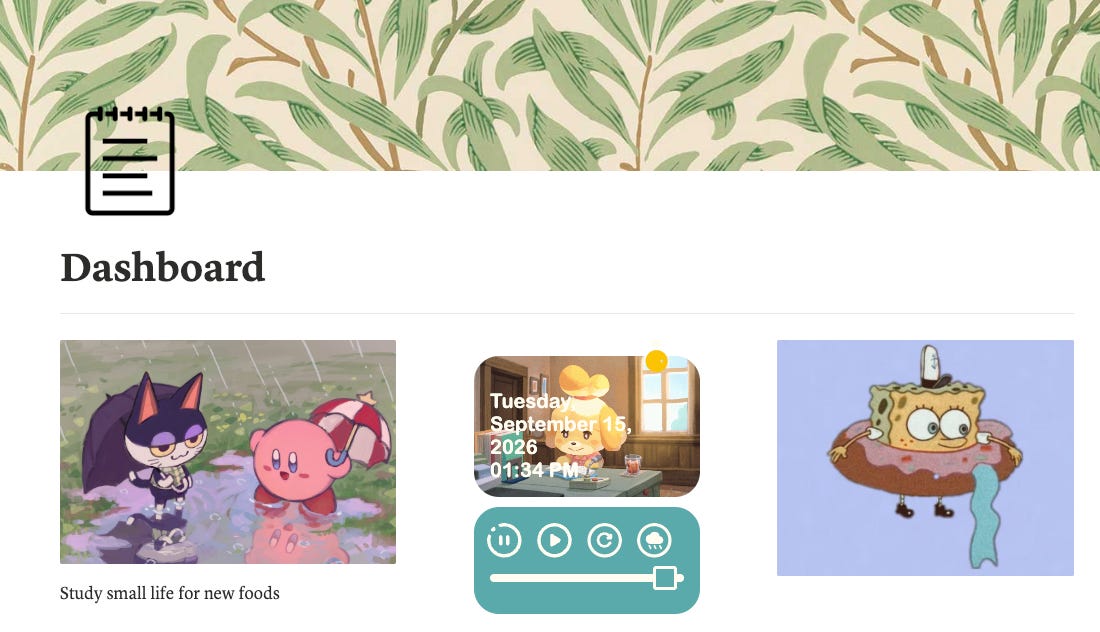
Unsurprisingly, I still heavily use Notion. My Dashboard page, which combines my research, teaching, service, and personal responsibilities with due dates and progress tracking, is nearly unchanged. I’ve adapted my previous Table View to show a Board where each task appears on a specific date, giving me a quick overview of my to-do’s for the day.
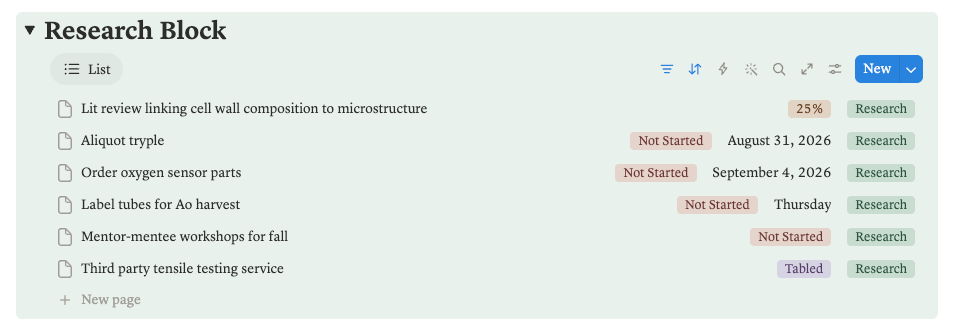
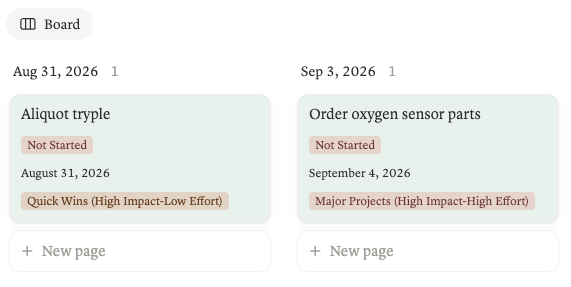
I still use the Major Projects, Quick Wins, Fill ins, and Thankless Tasks framework to help me prioritize. Most research tasks end up being Major Projects (60-80% of my work week), and Quick Wins are high-impact low-effort tasks that keep me moving (10-20% of my work week). Very few items are Fill ins and Thankless Tasks by design, as these tend to be low reward.
Zotero & Notero
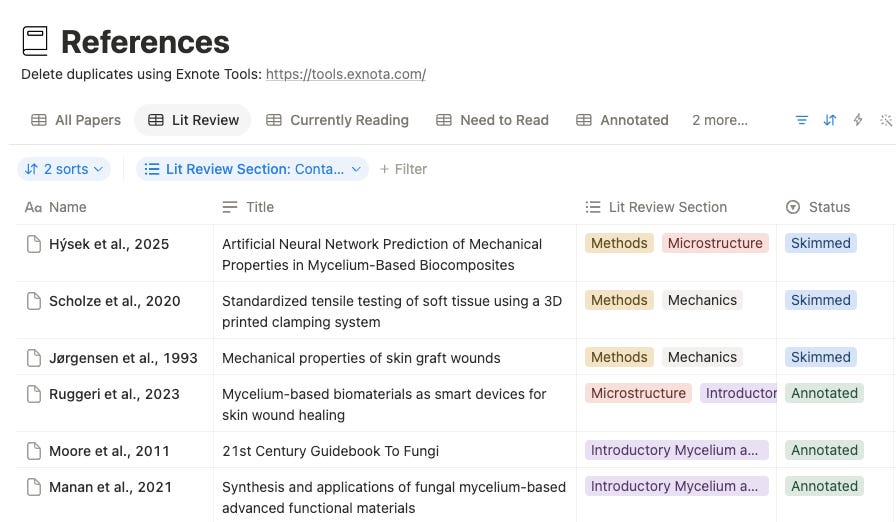
In my 2nd year of my PhD, I added a Literature Review Database to my Notion. This database uses the Notero feature, which is a plugin that links my Zotero reference library to a Notion database. Each row in the table is a different peer-reviewed article, and each column logs the publication metadata and notes from my reading. Each addition to Zotero updates the Notion database, including edits to metadata or new notes.
This also means I’m still using Zotero—and happily so! Zotero can integrate with so many digital systems. I’ve especially enjoyed using Zotero to automate generation of bibligraphies in Microsoft Word and LaTeX. When you’re juggling hundreds of peer-reviewed papers across grant applications, manuscripts, and reports, automated citation systems can save a lot of time!
LinkedIn
You couldn’t pry me off LinkedIn if you tried. As the job landscape becomes more and more competitive for graduates with advanced degrees, building an online professional brand can be a huge advantage in the application process. Presenting a cohesive story to tie together your work experience, values, and interests allows an interviewer to better evaluate your fit. LinkedIn is a great platform to build an online professional brand, and I’ve made a great effort over years to curate mine towards my research interests in alternative proteins and sustainable food systems. So far it’s paid off for planning and launching new alt protein conferences at Penn State and keeping up to date with the state of the field; but the ultimate win will be when I’m on the job market.
Post-its, pens, endless notebooks
Nothing new here. Mildliners, Animal Crossing-themed stationary, and white paper I steal from the printer at work.
What’s new?
LaTeX
A new non-negotiable in my workflow for generating documents with challenging formatting requirements. I only keep a few writing projects in here: CV, electronic lab notebook, and in-progress proposals. Using LaTeX for a CV has generally been the highest payoff (formatting is a nightmare in Word), but it’s been great for automated numbering and ordering of scientific figures and tables. Definitely a learning curve, and will require some clever work to swap between Word and LaTeX, especially if collaborators need to consistently review a document.
RStudio
This is technically new since my last post, but I’ve used R for statistical analysis and data visualization for almost my entire degree. It’s free with great code documentation, and all of my data analysis needs so far have an existing R package or function. There are far better R resources for graduate students than I could ever detail, so feel free to check out these that I like: R Graph Gallery, CRAN, and the NIST Statistics Handbook.
What am I phasing out of my toolkit?
ChatGPT
I no longer use ChatGPT, but I’ve switched entirely to Anthropic’s Claude. Claude’s models are better suited for my use cases, which are mostly coding and searching for scientific literature. It’s somewhat better at minimizing hallucinations, but I still audit everything it generates.
When I started graduate school, a lot of peers and colleagues had suggested LLMs for scientific writing; in my experience, the available models are not equipped for convincing scientific writing. AI-generated text is wordy, formulaic, and lacks substance. It’s getting easier and easier to spot AI-generated text on social media, in grant applications, and in manuscripts. That said, adequate prompt engineering can substantially improve the quality of writing, but I generally find that I am still a better communicator. I also personally choose to prioritize original writing because the act of writing is thinking; I’d be cheating myself of flexing my thinking muscle by making the process “faster” using AI.
OneNote
While OneNote has been best for coursework, I’m no longer taking classes. I generally find that handwritten notes on paper are better for my advising meetings, but I have peers that still use OneNote for concept mapping, reading scientific literature, and taking meeting notes. Plus, I can annotate papers directly in the Zotero app on my iPad rather than managing multiple versions of the same PDF.
Organizational systems can come and go
It’s tempting to read through a post like this and think “wow, let me re-do my workflow to use these tools instead!” All of these systems I’ve used tend to improve with time and use. None of these tools can hide disorganization, either. You have to put in the effort for it to work for you!